- Features
- Solutions
- Pricing
- Resources






Create a Link QR Code
Create an account to access advanced QR code features.
Create a Bio Link QR Code
Create an account to access advanced QR code features.
Create a Phone QR Code
Create an account to access advanced QR code features.
Create a Email QR Code
Create an account to access advanced QR code features.
Create a SMS QR Code
Create an account to access advanced QR code features.
Create a vCard QR Code
Create an account to access advanced QR code features.
Create a WiFi QR Code
Create an account to access advanced QR code features.
Create a Text QR Code
Create an account to access advanced QR code features.

See a live Outlook QR code in action
Scan this Outlook QR code and watch it instantly open an email draft, a meeting, or an event invite. Outlook powers over 400 million active mailboxes worldwide, with Microsoft 365 used by more than 1 million companies globally. Making your emails and meetings immediately scannable for your audience isn't just convenient; it's a professional edge.
How to generate Outlook QR code?
Create your personalized Outlook QR code in just a few simple steps and make emailing easier than ever.
Step 1: Enter your Outlook link
Paste your Outlook email address, meeting link, or calendar event URL into the free QR code generator to ensure your code connects users directly to the right destination.
Step 2: Customize your QR code design
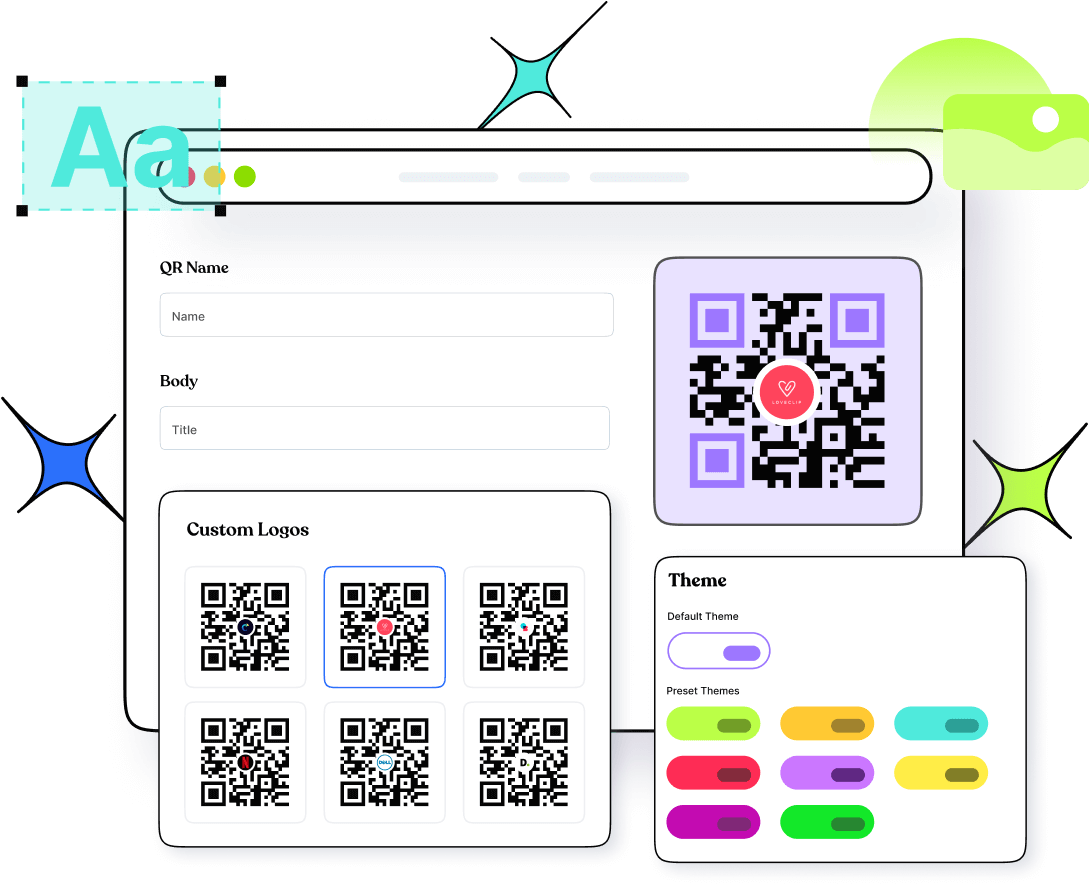
Select colors, patterns, and frames that align with your Outlook, corporate, or personal brand identity. Add a logo to make your QR code visually appealing and recognizable.
Step 3: Generate, share, & track scans
Click to generate your Outlook QR code, download it in high resolution, and share anywhere. Use Replug's built-in analytics to monitor every scan and measure real-time engagement.
How to get Outlook QR code that actually works for you
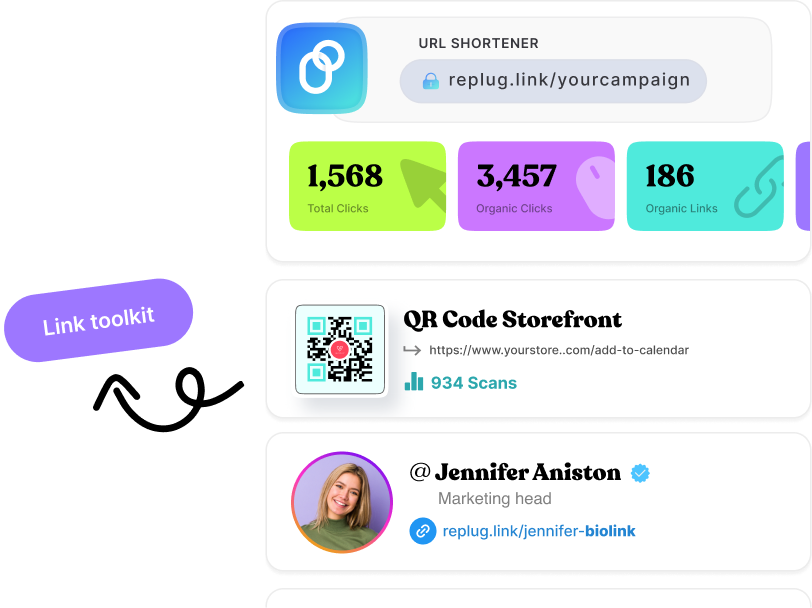
Outlook has no native QR code generator tool, meaning professionals are left copying links, sharing contact cards manually, or relying on clumsy workarounds. Replug fills that gap entirely. Create QR codes for any Outlook-based URL and customize every visual element the way you like. Download in multiple formats (PNG, JPG, or SVG), for any use case, from email signatures to printed handouts. Unlike static workarounds, Replug's dynamic QR codes let you update destinations anytime without regenerating (no reprint needed), while built-in scan tracking gives you performance data that Outlook simply can't offer.

Track every Outlook QR code scan in real time with Replug
Without a dedicated tool, you have no way of knowing who scanned your Outlook QR code, when, or from where. Replug gives you full visibility. Every scan is logged instantly: total and unique scans, geographic breakdown by city and country, device type, and peak scan times. You can pinpoint which placements are driving email opens or meeting sign-ups, and which are falling flat, so every decision is backed by actual data. And with dynamic QR codes, your destination can change anytime without disrupting a single printout.
Where to use your Outlook QR code
Share your email, meetings, and calendar events anywhere your audience interacts with you (online or in print). Check out the top Outlook QR code use cases.
Business cards
Make every handshake count by letting contacts scan and land directly in your Outlook inbox or meeting link without typing a single character.
Email signatures
Add a scannable QR code to your signature so every outgoing email doubles as an invitation to connect, book a meeting, or access your calendar.
Conference and event materials
Display your Outlook QR on badges, banners, and booth displays so attendees can reach you or schedule a follow-up meeting instantly on the spot.
Marketing and print collateral
Embed Outlook QR codes in brochures, flyers, and posters to bridge offline campaigns with direct email or meeting access in one quick scan.
Presentations and proposals
Close the loop on every pitch or deck by adding a QR code that routes prospects straight to your Outlook inbox or a pre-scheduled meeting invite.
Onboarding and internal communications
Simplify team coordination by embedding QR codes in handbooks or notices that link new hires directly to orientation meetings or calendar events.
Frequently asked questions
Create QR codes for everything you share
Manage all your links in one place
No credit card required