- Features
- Solutions
- Pricing
- Resources






Create a Link QR Code
Create an account to access advanced QR code features.
Create a Bio Link QR Code
Create an account to access advanced QR code features.
Create a Phone QR Code
Create an account to access advanced QR code features.
Create a Email QR Code
Create an account to access advanced QR code features.
Create a SMS QR Code
Create an account to access advanced QR code features.
Create a vCard QR Code
Create an account to access advanced QR code features.
Create a WiFi QR Code
Create an account to access advanced QR code features.
Create a Text QR Code
Create an account to access advanced QR code features.

Scan to play a Spotify track, playlist, or podcast
See a live Spotify QR code in action. Scan it, and a song, album, or podcast episode begins playing immediately inside the Spotify app, no searching required. Spotify has over 600 million active users and 240 million paid subscribers worldwide. So, whether you're a musician, podcaster, or brand, a QR code for Spotify transforms any physical or digital touchpoint into an instant streaming experience.
How to make a Spotify QR code?
Here's how to get a Spotify QR code in no time and let anyone stream your music, playlist, or podcast with a single scan.
Step 1: Enter your Spotify link
Paste your Spotify profile, track, album, or playlist URL into the QR code generator to make sure your Spotify code points directly to the right content on Spotify.
Step 2: Customize your Spotify QR code
Select colors, patterns, and frames that reflect your artist brand or personal style. Add a Spotify logo or your personalized artwork to make the code easily recognizable to fans and followers.
Step 3: Generate, download, and share
Create your Spotify QR code, download it in PNG, JPG, or SVG, and share it on merchandise, posters, social media, or anywhere your audience might discover your sound.
Why Replug is the #1 choice for Spotify QR code generation
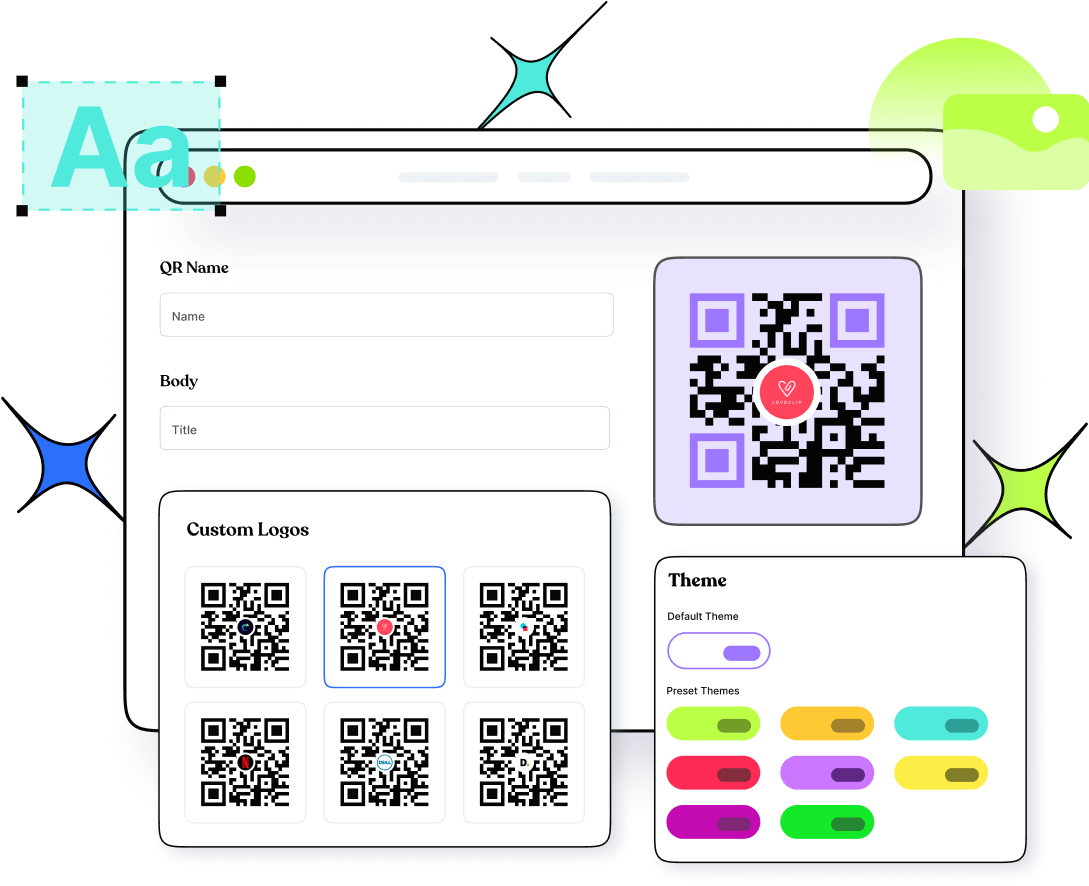
Spotify's native QR code only links to a profile and offers basic background/bar color changes. Replug lets you generate a Spotify QR code for any destination, whether it's a single track, full album, curated playlist, or podcast episode. You get complete design flexibility over colors, patterns, frames, and logo placement, plus clean download formats that look professional on everything from tour posters to streaming promo kits. And with dynamic QR codes, you can swap the destination anytime without generating a new code or reprinting your materials.
Get Spotify QR code scan data & measure performance with Replug
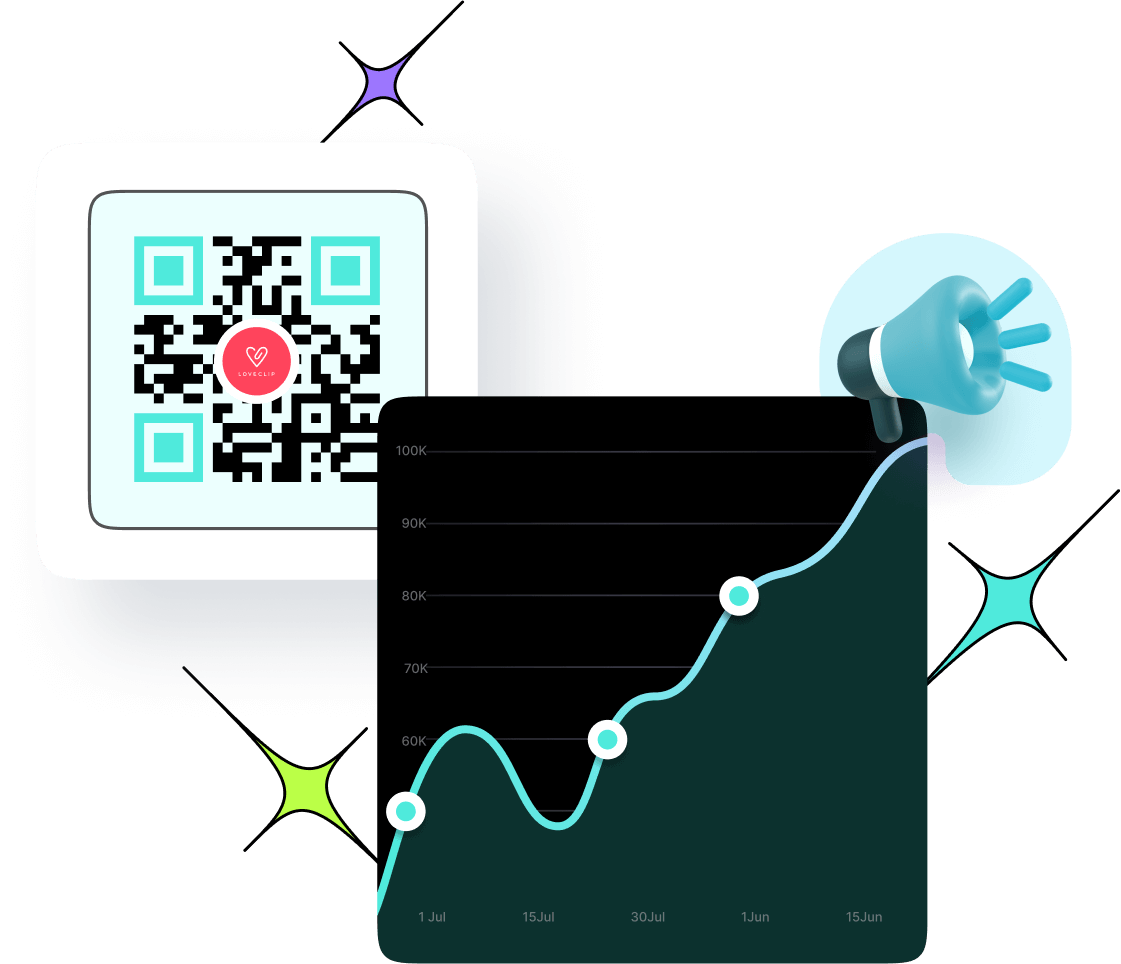
Spotify tells you nothing about who scanned your QR code or where. Replug changes that completely. Every scan is tracked in real time, giving you total and unique scan counts, geographic data by city and country, device breakdowns, and peak engagement times. You know exactly which placements are driving streams and which are being ignored, turning raw listener data into smarter promotion decisions. Plus, with dynamic codes, you can update your linked track, playlist, or episode anytime without touching your printed materials.
Creative uses of Spotify QR codes
Share music, grow your audience, and create memorable listening experiences anywhere your fans find you. One scannable code for every Spotify magic moment.
Musician & artist promotion
Print your Spotify QR code on gig posters, press kits, and venue flyers so fans can follow your profile or stream your latest release instantly, right from the wall.
Merchandise & apparel
Stitch your Spotify QR code onto t-shirts, hoodies, tote bags, and caps so anyone wearing your merch becomes a walking stream link that drives plays around the clock.
Personalized gifts & tattoos
Embed a Spotify QR code into greeting cards, photo books, or even tattoo designs linking to a meaningful song or playlist, turning a personal moment into a permanent listening experience.
Networking & business cards
Add your Spotify QR code to your business card or media kit so collaborators, labels, and industry contacts can pull up your full discography in seconds (no searching required).
Event & social curation
Display your Spotify QR code at weddings, parties, or brand events to share the official playlist instantly, keeping every guest tuned into the same vibe without a single request.
Interactive art & signage
Incorporate Spotify QR codes into murals, gallery pieces, or retail displays to pair visuals with a curated soundtrack, giving your audience a richer, multi-sensory brand experience.
Frequently asked questions
Create QR codes for everything you share
Manage all your links in one place
No credit card required