- Features
- Solutions
- Pricing
- Resources






Create a Link QR Code
Create an account to access advanced QR code features.
Create a Bio Link QR Code
Create an account to access advanced QR code features.
Create a Phone QR Code
Create an account to access advanced QR code features.
Create a Email QR Code
Create an account to access advanced QR code features.
Create a SMS QR Code
Create an account to access advanced QR code features.
Create a vCard QR Code
Create an account to access advanced QR code features.
Create a WiFi QR Code
Create an account to access advanced QR code features.
Create a Text QR Code
Create an account to access advanced QR code features.

Secure contactless payments in one scan
See how a Venmo QR code works with this live example. Scan it, and a payment screen opens immediately, no username search required. Venmo processes billions in payments monthly, with over 90 million active accounts across the US. No matter if you're a freelancer, small business, or seller, a QR code for Venmo turns any flyer, invoice, or storefront into an instant, frictionless payment link.
How to get Venmo QR code?
Here’s how to make a Venmo QR code in just 3 simple steps and start accepting payments from friends, family, and authorized businesses right away.
Step 1: Enter your Venmo profile link
Paste your Venmo profile URL or payment link into the QR code generator to ensure your code directs users straight to your Venmo account.
Step 2: Personalize your QR code
Pick colors, patterns, and frames that match your Venmo, business, or personal brand identity. Add a logo to make your QR code unique and quickly recognizable.
Step 3: Generate, download, and share
Click to generate Venmo QR code, download it in the desired format (PNG, JPG, SVG), and share it anywhere, both online and offline, for seamless transactions.
Why use Replug to create a Venmo QR code
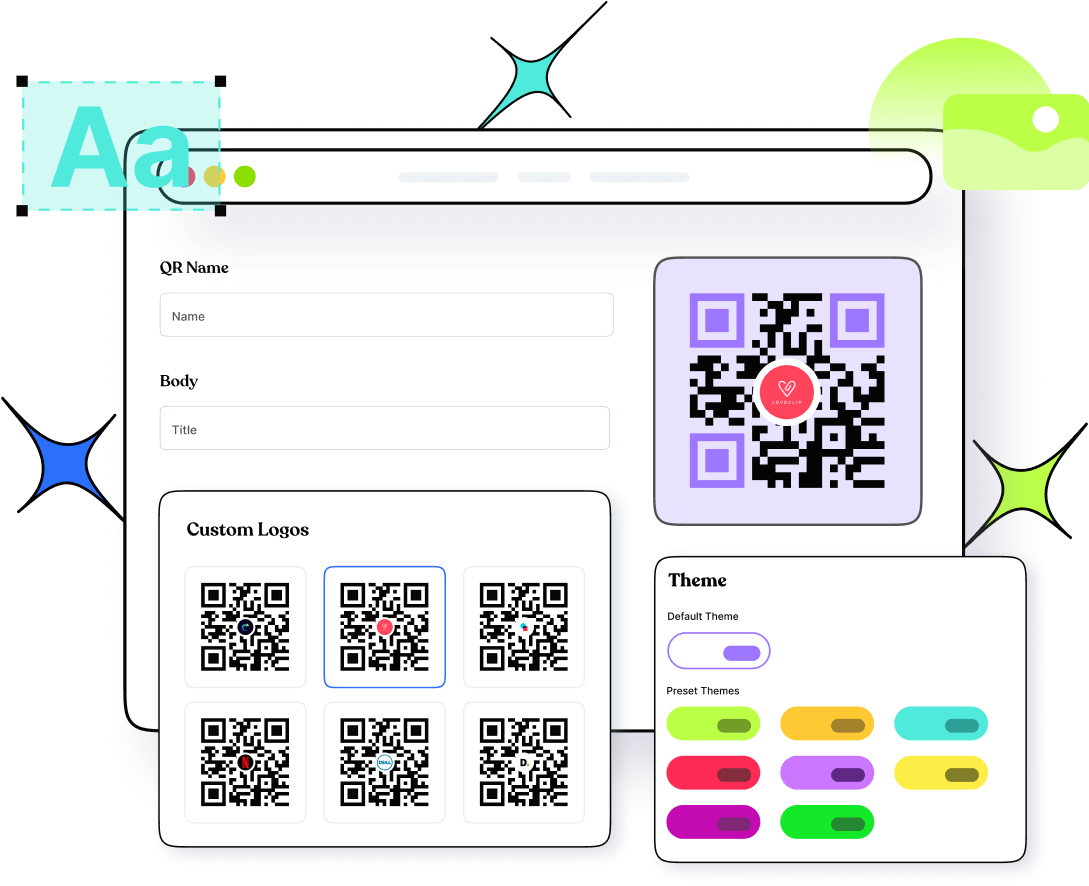
Venmo's built-in QR code is locked to your personal profile, can't be customized, and offers zero tracking. Replug lets you generate QR codes for any Venmo destination, whether it's a personal account, business payment link, or fundraiser URL. You get full design control over colors, patterns, frames, and logo placement, plus multiple download formats so your code looks sharp on everything from invoices to event flyers. And with dynamic QR codes, you can easily update the destination anytime without reprinting.
Monitor every scan and track real-time payment engagement with Replug
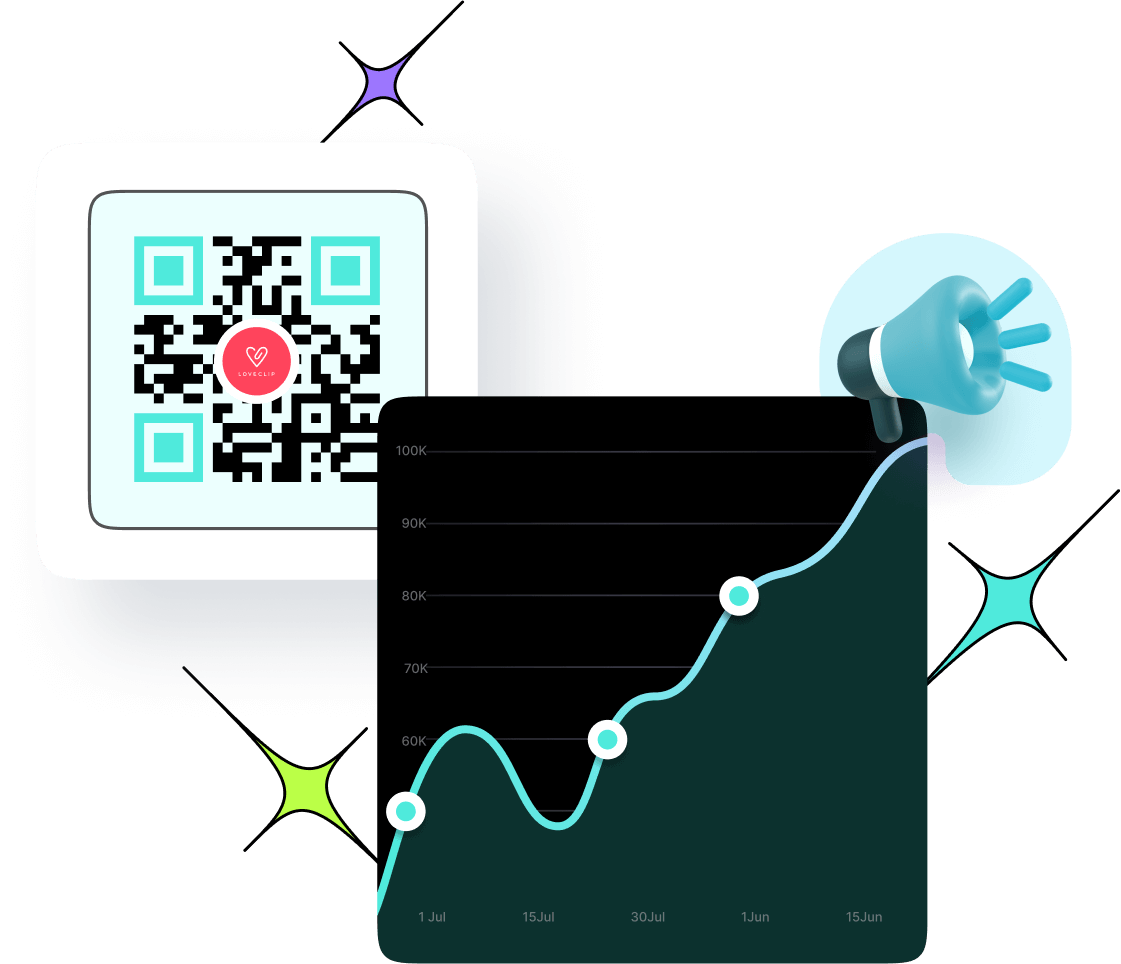
Venmo gives you no analytics data after someone scans your QR code. Replug captures everything promptly, including total and unique scans, location by city and country, device type, and time of day. You can see exactly which placements are driving payments and which aren't, so every decision is backed by real data, not guesswork. And with dynamic QR codes, you can update your destination URL anytime without reprinting, keeping your invoices, flyers, and payment materials permanently valid.
Primary Venmo QR code use cases
Accept payments, split costs, and collect funds anywhere your audience finds you. One clean QR code for all your payment needs.
In-store retail shopping
Let shoppers skip the cash and card hassle. Place your Venmo QR code at checkout so customers can pay instantly with a single scan, no POS terminal required.
Small businesses and freelancers
Add your Venmo QR code to invoices, proposals, and business cards so clients can pay you on the spot without back-and-forth. Fast, professional, and friction-free.
Split payments & social payments
Make splitting bills at dinners, trips, or group events effortless. Share your QR code for Venmo and let everyone pay their share instantly without exchanging usernames.
Donations and fundraising
Add your Venmo QR code to campaign flyers, event banners, or charity pages so supporters can donate in seconds, no apps to navigate, no forms to fill.
Digital transactions
Embed your Venmo QR code on your website, social media bio, or email signature to create an always-on payment link that collects money around the clock.
Service payments
From personal trainers to tutors to home service providers, display your QR code for Venmo after every session so clients can pay immediately, right on the spot.
Frequently asked questions
Create QR codes for everything you share
Manage all your links in one place
No credit card required